Sketch to scientific figure

Turn a rough sketch into a scientific figure draft

Sign in first, upload a reference sketch, and describe what its shapes and arrows mean. SciFig uses image-to-image generation to explore a cleaner visual version.

Add referenceUp to 1

Preset

View the full prompt

Sign in to upload a reference image and use image-to-image.

Generation needs an account — compose your prompt, then sign in to generate.

Multiple AI models

GPT Image 2, Nano Banana, Seedream 5, Flux 2 Pro and more — pick the right one per figure.

Up to 4K export

Render at 1K, 2K or 4K for print-ready manuscript output.

Text & sketch to figure

Start from a prompt, or refine a rough hand-drawn sketch.

Free to start

Free account in seconds — every figure is saved to your private history.

Sketch to scientific figure

Visual targets for sketch refinement

These generated examples illustrate possible finish styles. They are not before-and-after records and do not prove exact sketch preservation.

Image-to-image workflow

Use the sketch as a reference, not a locked blueprint

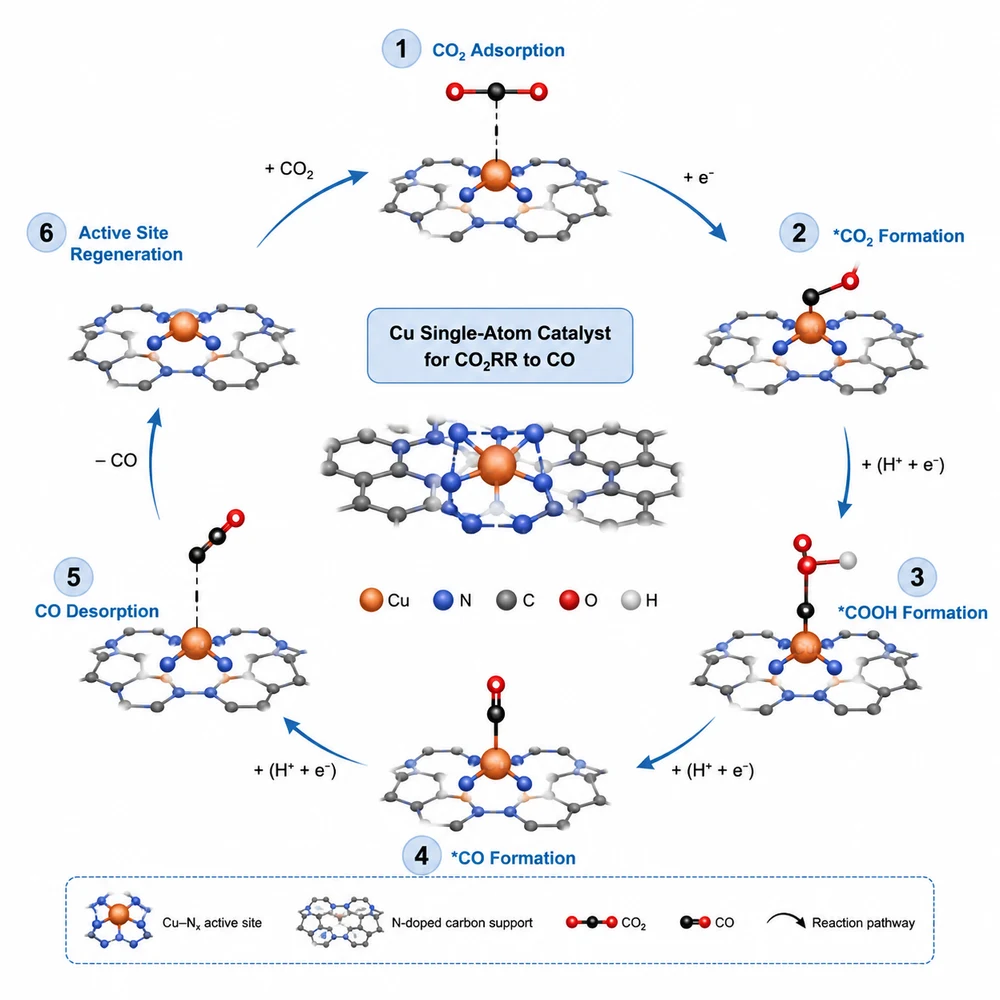
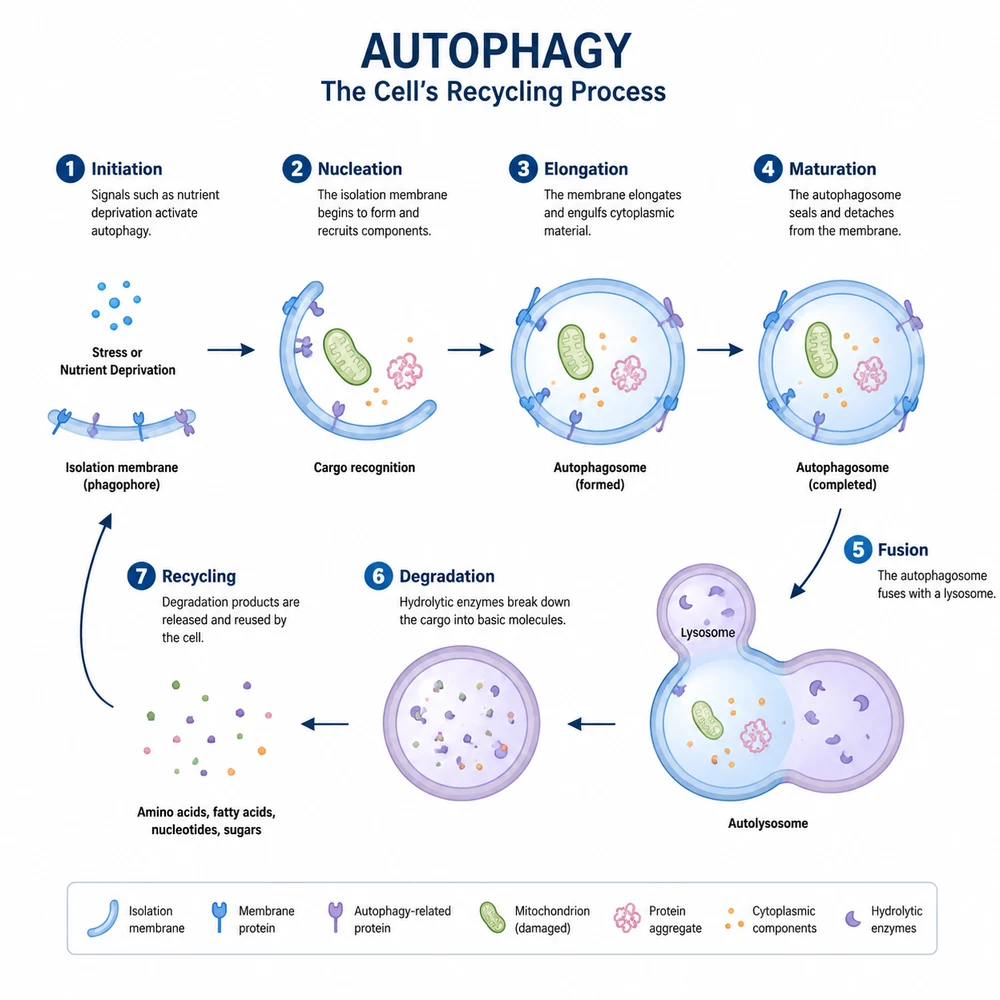
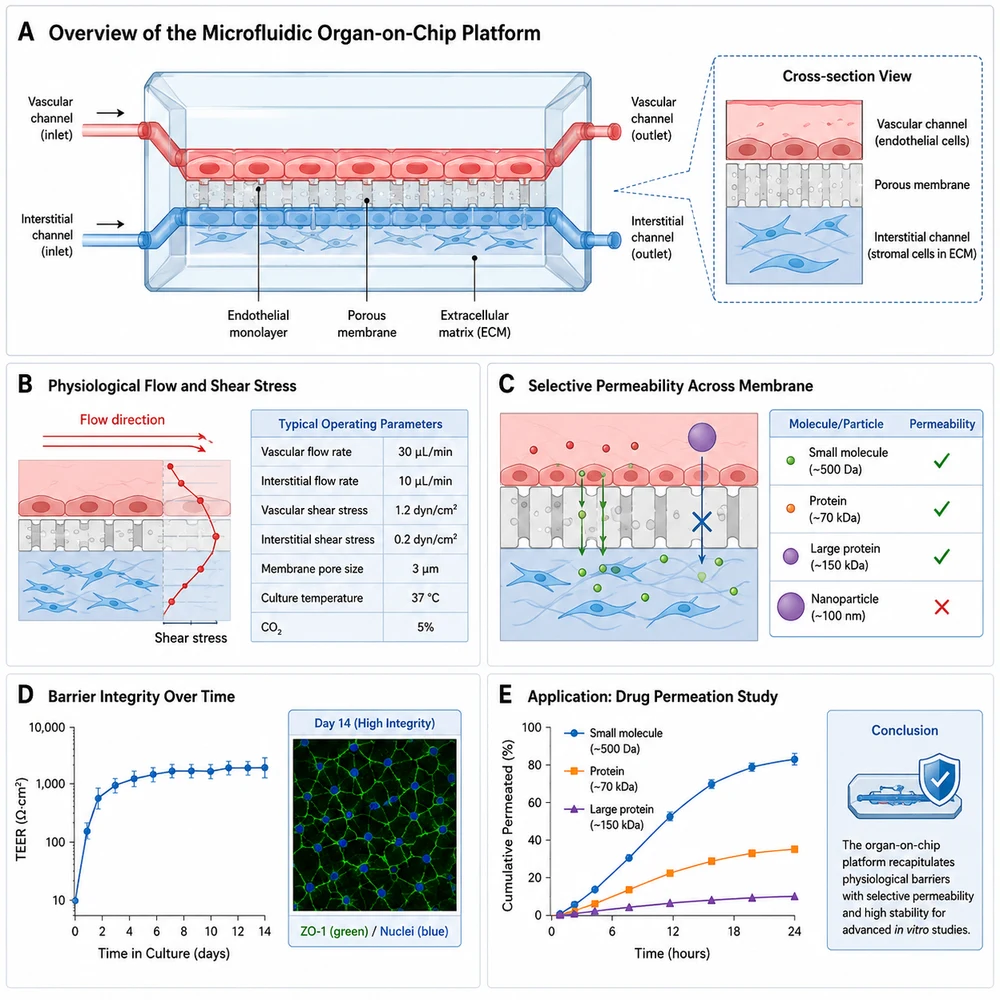
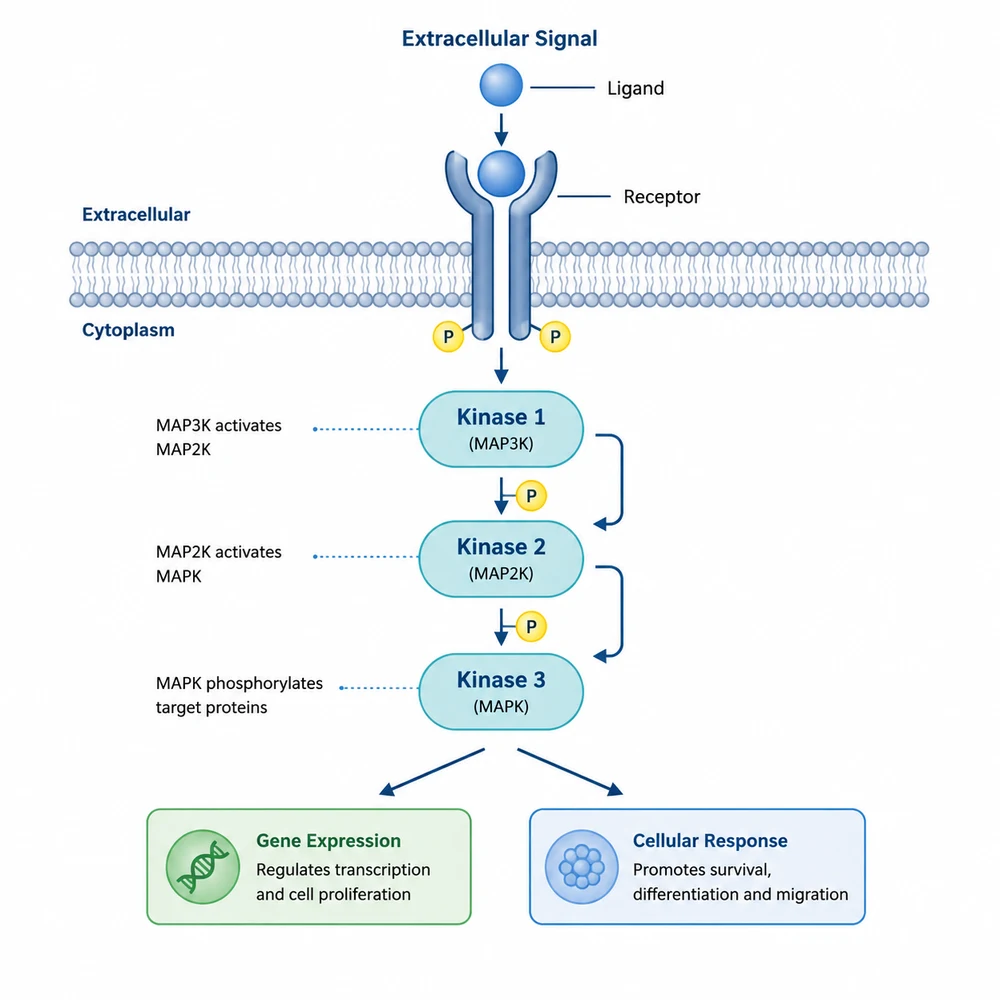
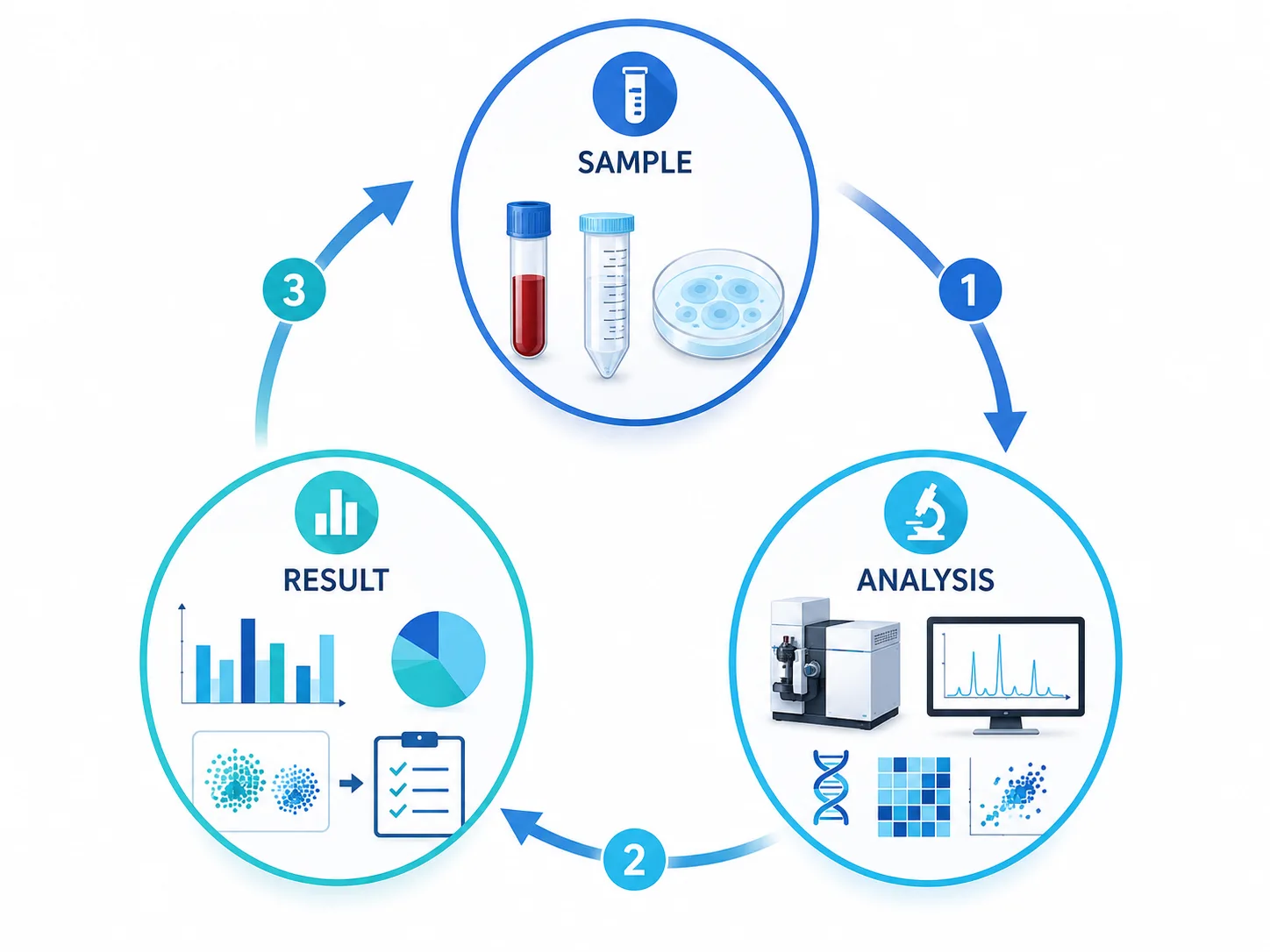
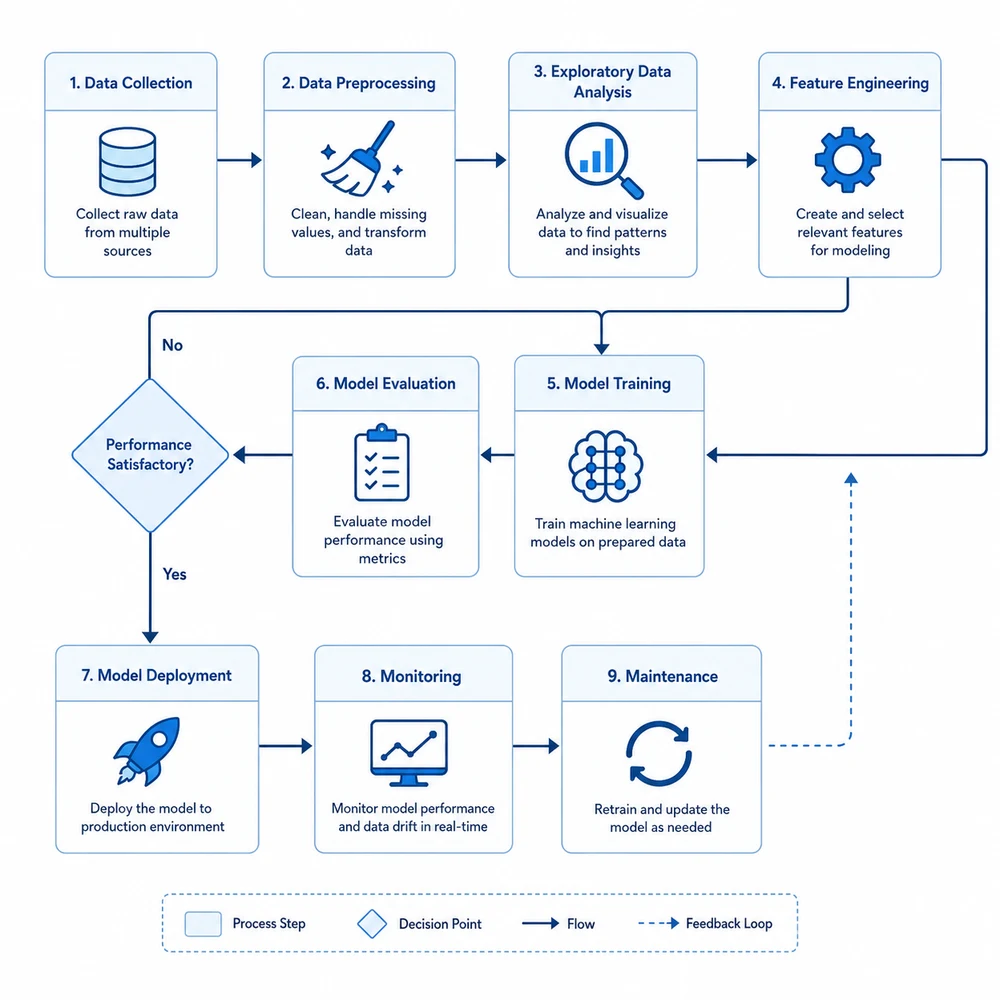
AI-generated clean figure refined from a sketch: a clean workflow flowchart from a whiteboard drawing1

Prepare a readable reference sketch

Use clear shapes, arrowheads, group boundaries, and short labels. Remove private or unnecessary information before upload. The current image-to-image workflow requires you to sign in before selecting a reference image.

  • Use high contrast and avoid crossed arrows
  • Number steps when sequence matters
  • Mark boundaries and branches clearly
  • Keep a local copy of the original sketch
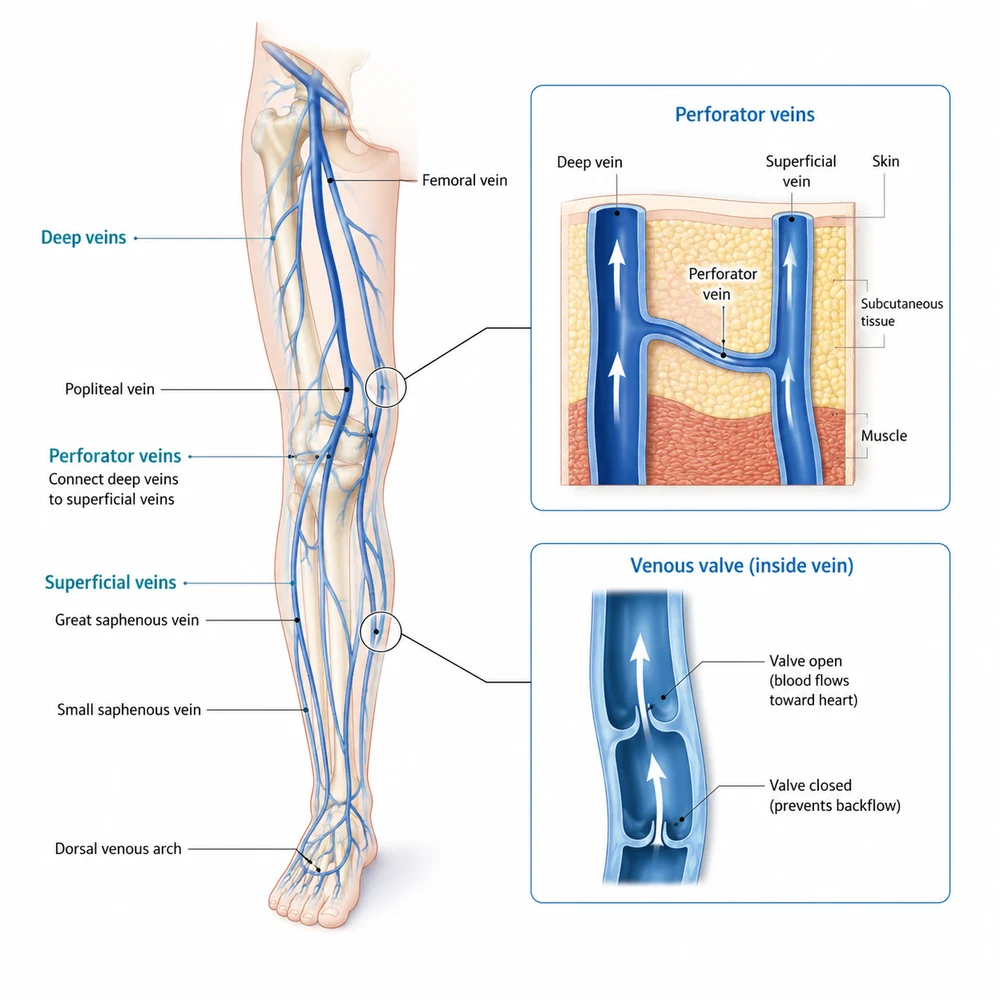
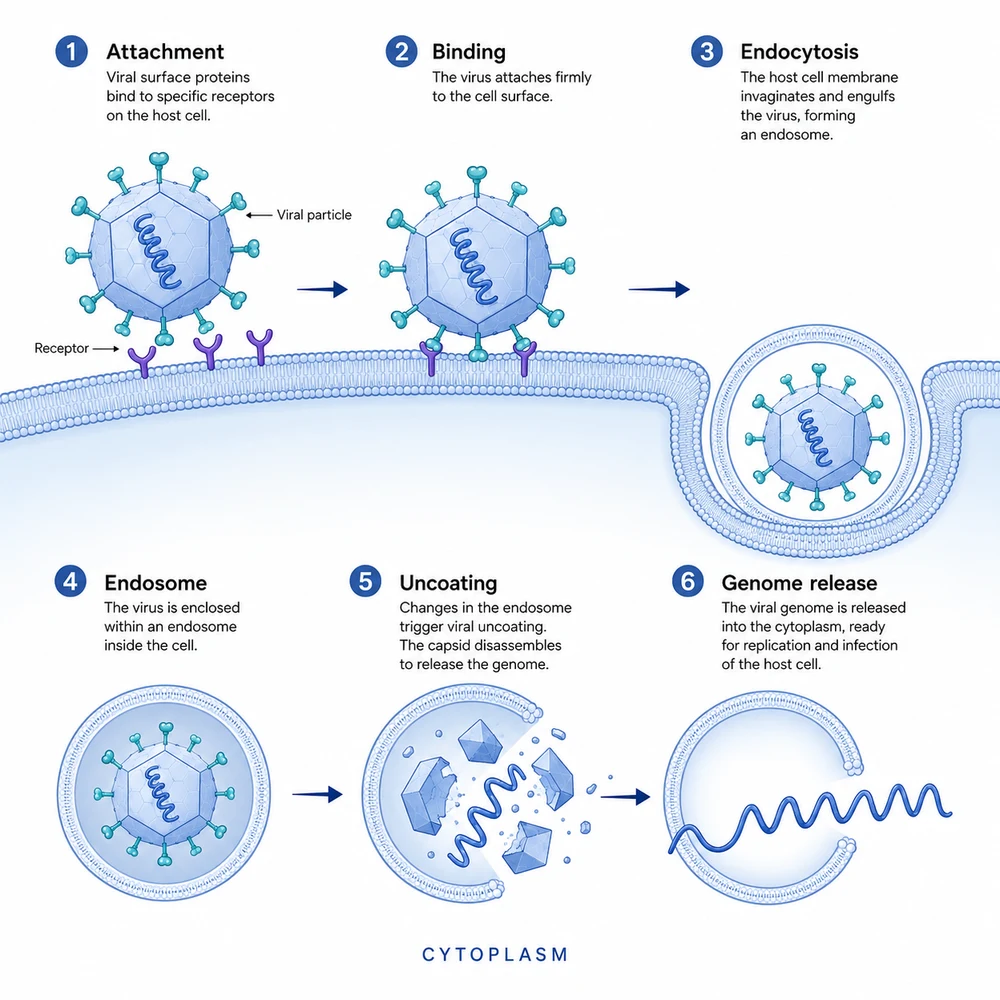
AI-generated clean figure refined from a sketch: a refined anatomical diagram from a rough outline2

Describe preservation priorities

State which geometry, order, connections, and visual groups must remain, and which style, color, spacing, or background may change. Do not assume the model understands the scientific meaning of a rough symbol.

  • Check every label and scientific term
  • Verify arrows, structures, and causal relationships
  • Compare the draft with the source data or manuscript
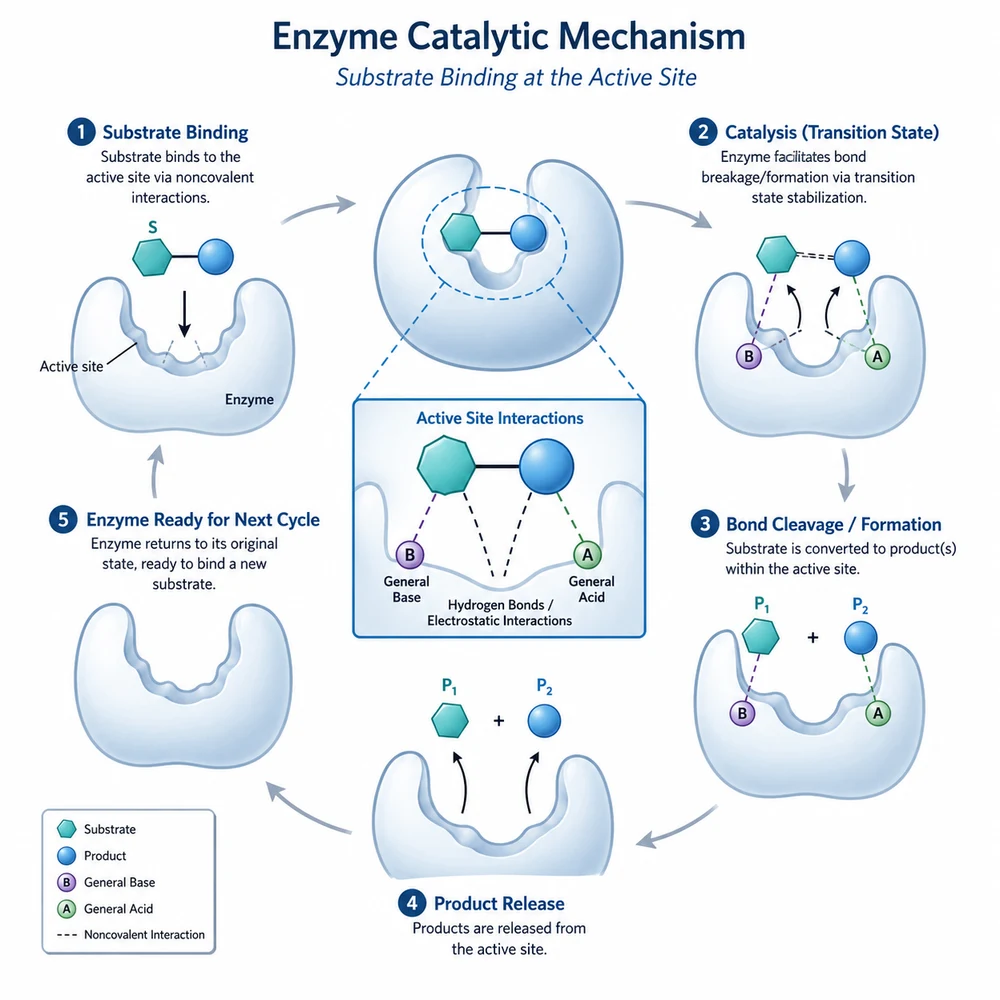
AI-generated clean figure refined from a sketch: a publication-ready mechanism figure from a draft schematic3

Compare the result with the original

Image-to-image generation may move, remove, duplicate, or reinterpret elements. Compare every node, label area, branch, arrow, and spatial relationship, then correct important geometry and text in an editing tool.

  • Confirm dimensions, file format, and resolution
  • Review the target venue's AI-use policy
  • Complete a final expert review before use

Image-to-image can change the meaning of a sketch

The model may alter connections, scale, labels, symbols, and topology even when asked to preserve them. Treat the output as a redraw candidate and verify it side by side with the original and supporting evidence.

Sketch to scientific figure questions

Refine a research sketch

Sign in, upload a clear reference, and specify what the redraw must preserve.